

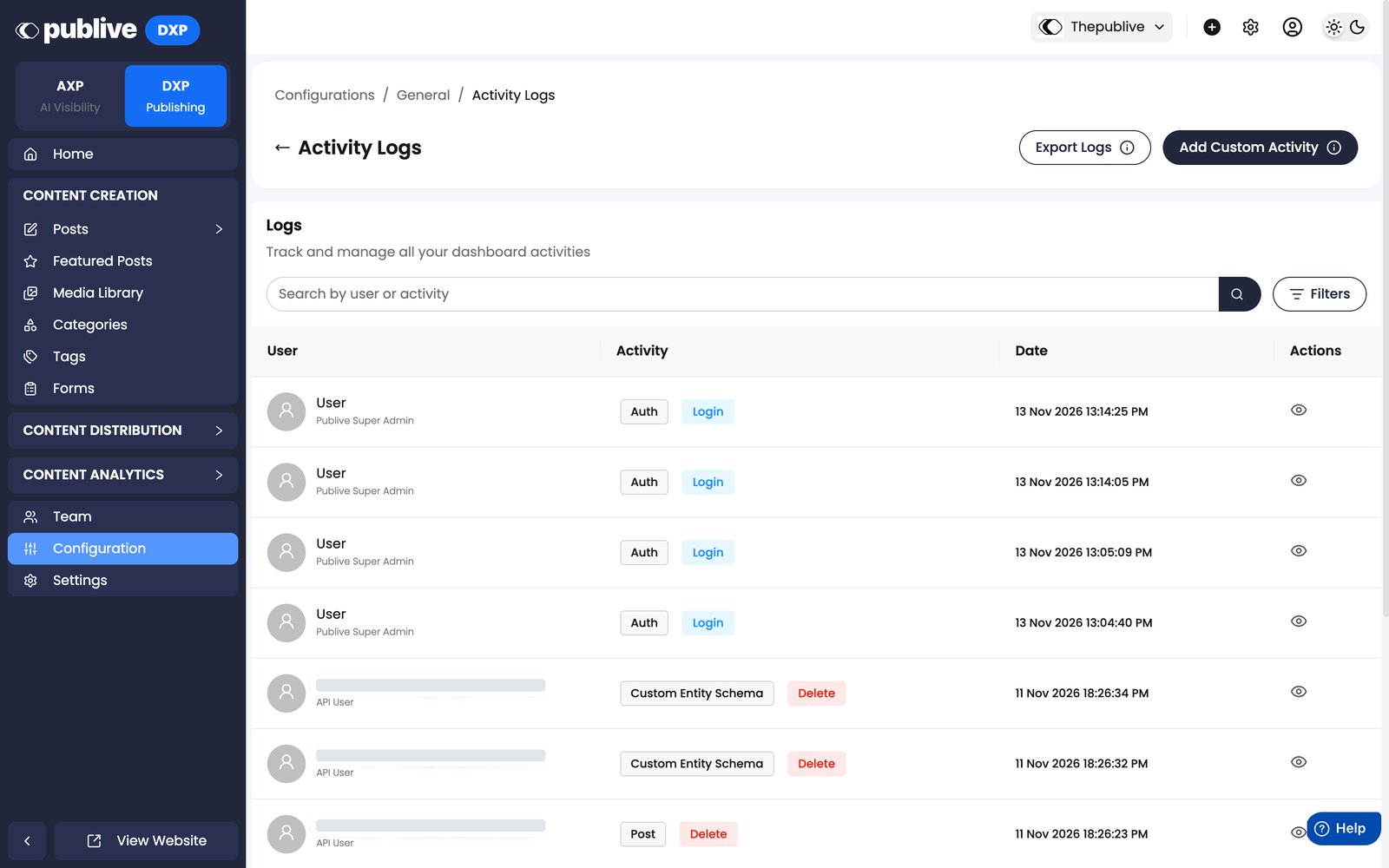
Availability
This feature is available on the Custom Enterprise plan only. To enable it for your workspace, contact support@thepublive.com.What’s logged
Each log entry records the acting member and a timestamp.Phase 1 — Content operations, team management, configuration
Tracked from April 28, 2026:Phase 2 — Post-level events
Tracked from May 19, 2026:Workflow events
Tracked from the release of Content Workflows for content types that use a workflow:
See Notifications and audit trail for what each record contains.