

What is MFA?
MFA adds one extra step at login: after your password, you’ll enter a 6-digit code sent to your registered email before you can access the dashboard.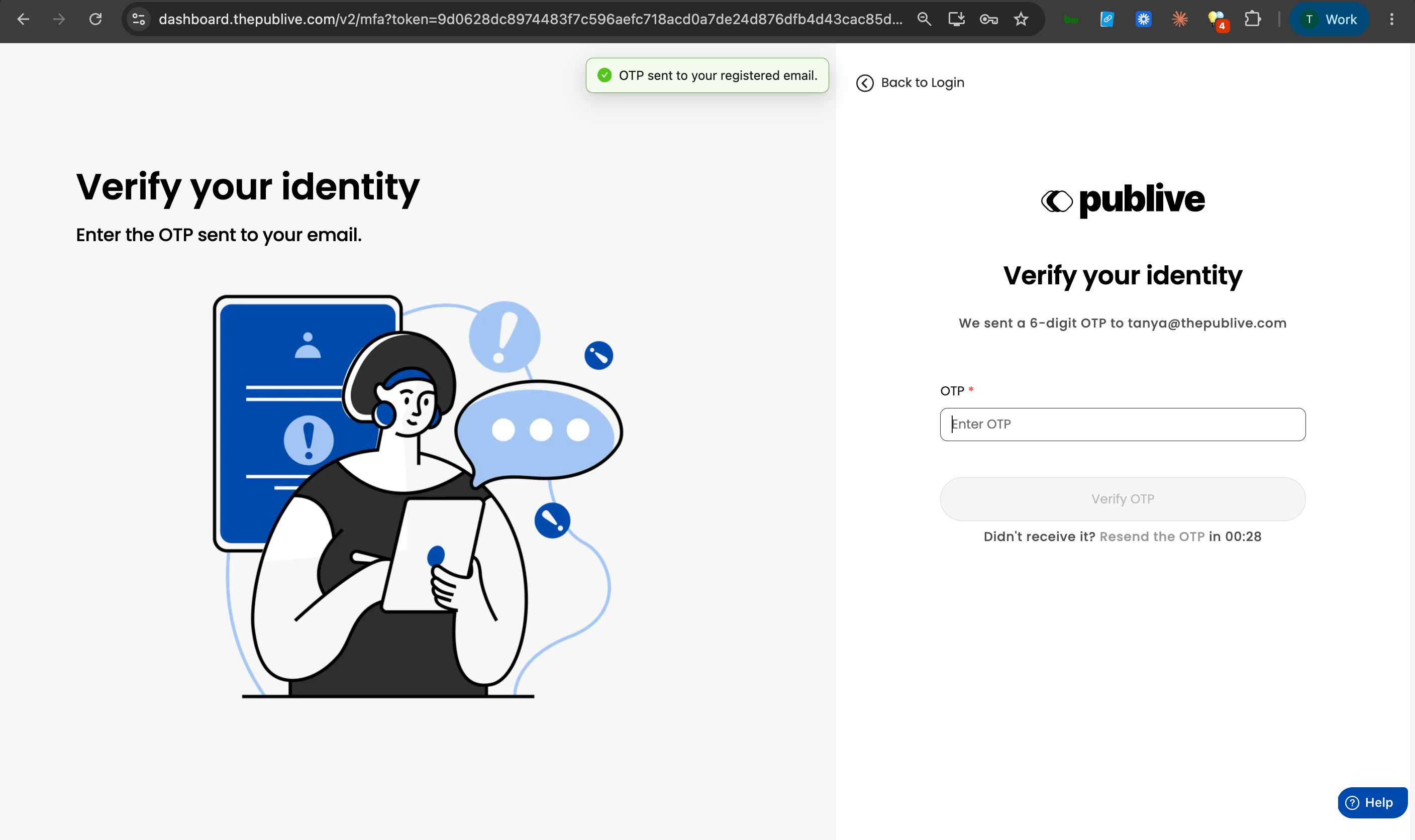
Why we’re enforcing this for every publisher
Your dashboard isn’t just a login screen — it’s the control room for your entire publication: articles going live under your name, ad and revenue settings, subscriber data, your team’s access. A single compromised password puts all of it at risk.
This is also simply where the industry has moved. Most tools your team already uses daily — email, cloud storage, online banking — require this same extra step. We’re bringing every Publive dashboard in line with that standard, for every publisher on the platform, not just the ones who choose to opt in.
What this means for your team
- Nothing to set up. MFA is already active for every user — there’s no toggle to find.
- One extra step at login. Enter the code from your email after your password. It takes a few seconds.
- A one-time sign-out. When enforcement went live, all active sessions were signed out as a security measure. You’ll simply need to log in again, this time completing the one-time code step.
If your team manages more than one Publive property under the same login, this applies across all of them — MFA is tied to your account, not a single publisher.